FAQ
Common Questions
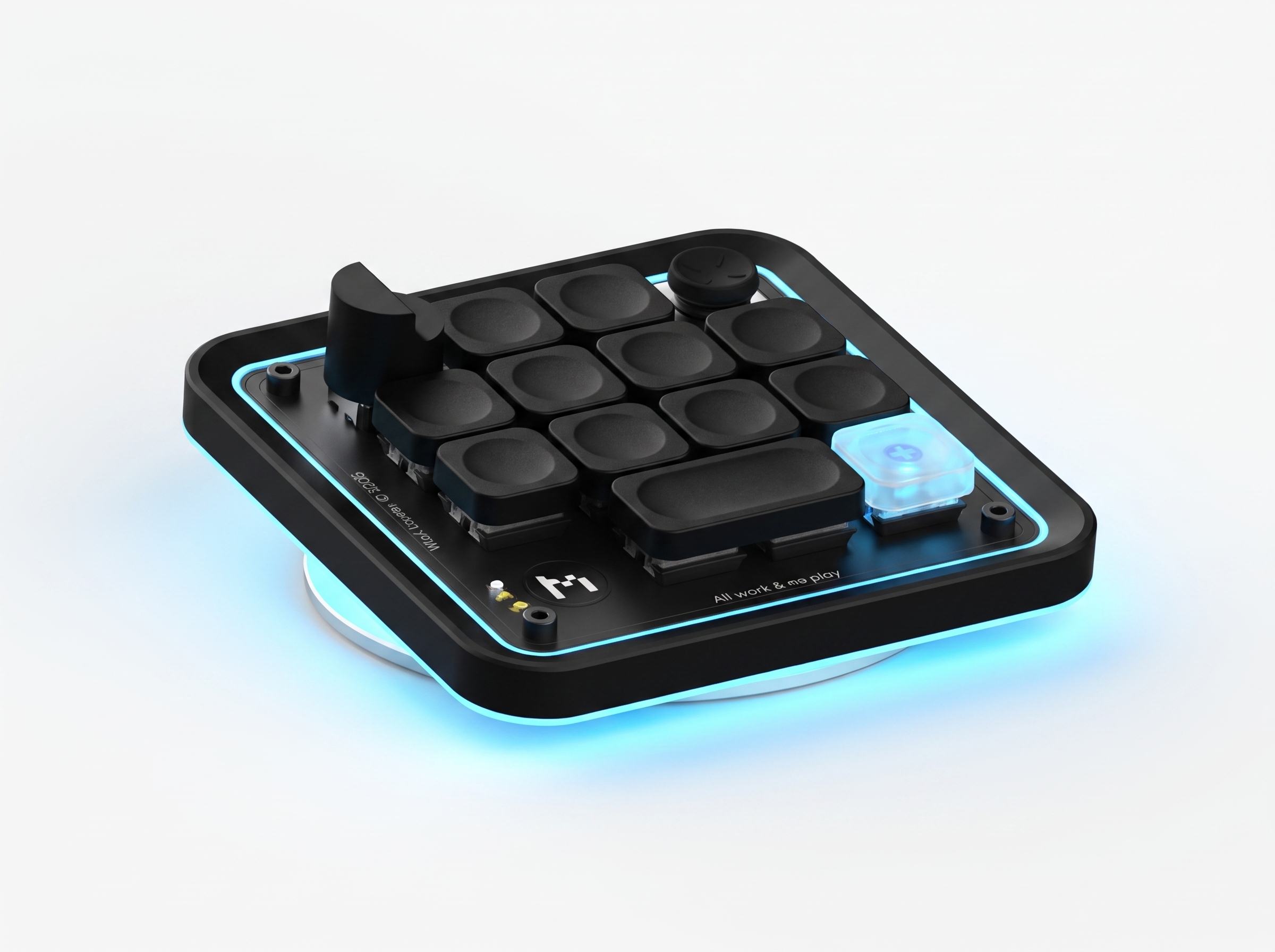
What is an AuditKeyboard?
A small desk keypad that puts the sign-off under your hand. It is built for internal auditors, SOX and controls testers, and GRC teams whose AI agents draft the work, and it is powered by AssureSwarm, the first agent-native audit management platform.
When an agent proposes something that needs a human (a finding, a control, a test result) the board lights up. Press a key to open it, then ACCEPT or REJECT.
The decision is made in the browser under your account and recorded in the item's history, with who, what and when. The pad's own helper is read-only and holds no write permission, so it cannot decide anything on your behalf. The keys type anywhere, and the helper that lights the board runs on Windows.
What is Auditober?
Auditober, the audit challenge: a hackathon that runs for the whole of October 2026, for building agent-native audit solutions across every phase of the audit, from planning and risk assessment through walkthroughs, testing and fieldwork to findings and reporting. You bring the audit problem you actually have; you leave with something agents can run.
Enter on your own or as a team: every entrant or team gets a free sandboxed AssureSwarm instance loaded with mock data. No private data is shared: nothing from your organisation's systems, workpapers or audit record is uploaded, and you never need to bring real evidence to take part.
Auditober has its own site: everything about the challenge, including the four categories, the sandbox and the support through October, lives at auditkeyboard.com/auditober.
Why should I participate?
Go beyond benchmarking: Auditober is set to be the largest skill-sharing event in internal audit. An entry is a workflow, an agent skill, a plugin, or a dashboard, and it is judged in one of four categories: risk assessment, SOX, operational audit, and most creative. Every entry is shared anonymously with all participants, each category winner wins an AuditKeyboard, and the winners share $1,000,000 in AssureSwarm subscriptions.
Do I need this to use AssureSwarm?
No. AssureSwarm is a full web workspace, and everything the pad does has a place in the interface: reviewing agent suggestions, approving or rejecting them, opening the queue, dictating. The keyboard moves the approve step off your screen and onto your desk so you can act on it without stopping what you are doing.
The Audit Challenge
Sign up for Auditober
Work email, please. Personal mailboxes aren't accepted.